
Corpus, a template everyone can read.

The Template for your Joomla 6 site: polished on a large screen as well as on a phone, and readable for those who see poorly, don't use a mouse, or enlarge the text. And each category can have its own article layout, something you used to need yet another extension for.

Buy, €39/yearTry the back officeSee a real site

Unlimited sites: €99/year.

This is for you if…

You already have a website

It works, but it has aged. You want to change its look without redoing or rewriting everything.

You're asked to be accessible to everyone

Town hall, association, school, practice: your site must be usable by people with disabilities.

Your content doesn't look consistent

News, factsheets, reports. They don't need to look the same way, and you shouldn't have to pay for an extension just for that.

You're tired of patchwork fixes

Something simple, that lasts over time, and doesn't rely on ten stacked add-ons.

One layout per category, for the blog view as well as the article

This is the feature you would normally go looking for in a paid extension. It is in the template, and it works twice.

Your news items do not look like your staff profiles, nor like your council minutes. Yet Joomla can only set a single layout for every article on the site, and a single one for every blog view.

Corpus sets one per category, on both sides. The blog template draws an article's card inside a blog view: where the image goes, what goes with it, how long the introduction runs. The article template draws its page: the title, the mentions, the custom fields, the body, the modules.

You compose with rows and bricks, you assign to the category, and sub-categories inherit. Compose once, and the next hundred articles lay themselves out. The day you change your mind, you change the category, not the hundred articles.

Seven layouts ship with Corpus, ready to copy: four for the blog view, among them Image on the left and Image below, and two for the article, among them Article with an outline, which puts the table of contents in a left column.

The screen where you compose, and what it gives on the page

The blog template. You drop the bricks in, and the map on the right draws the card while you work.
The article template. The same screen, the same bricks, for the article's page this time.
The result. The blog view as the visitor sees it, without a line of code.

Click an image to see it full size.

The same bricks, three categories, three presentations

News

On the page: title, date, image on top, then the text. In the blog view: the image on the left, the introduction cut at two hundred characters.

Staff profile

On the page: title, portrait on the left, four custom fields on the right, then the text. In the blog view: the portrait and the job title, no introduction.

Minutes

On the page: title, date, table of contents, the text, and a module at the foot. In the blog view: the title and the date, nothing else.

Your articles stay Joomla articles: nothing is locked into a format of its own, and you can go back whenever you like. A category with no template renders exactly what Joomla renders, to the character, and that is checked on every release.

The four things to remember

1. One layout per category

The blog template for an article's card inside a blog view, the article template for its page. Both are composed from bricks and assigned to the category, and sub-categories inherit. This is the big one in Corpus, and it needs no extra extension.

2. Four home presentations, four colour sets

Classic, magazine, showcase, landing page. Blue, olive, orange, red, or your own hue on the slider. You switch in one click without losing anything, and nothing is coded: it is all set in screens, with a preview.

3. Just as good on a phone

The menu folds behind a button, the columns stack, nothing overflows. A three-column layout takes a single column on a phone, on its own.

4. Your settings travel

Once the first site is set up, you export in one click, your layouts included, and replay it on the next one. That is what makes the 99 euro plan worth it for agencies.

Corpus for a Website

Corpus is the template for your Joomla 6 website: polished on a large screen as well as on a phone, readable by people with poor eyesight or who don't use a mouse, and able to give each category its own article layout.

  • Four homepage layouts and four colour schemes, or your own shade with the slider.
  • Fifty-four ready-to-use blocks for your pages, no extension required.
  • One article layout per category, including custom fields and modules.
  • Your settings can be exported and replayed on your next site. Updates for one year, and ticket support.

Try the back office

A bilingual demonstration site where you sign in to the back office and change the template settings yourself. User name demo, password corpus-demo-2026. Feel free to break anything: the site restores itself every half hour.

Everything Corpus does, in detail.

The user guide. When the term ends, your site keeps working: only updates and support stop.
39.00 €
SKU: 2.1.706
In Stock
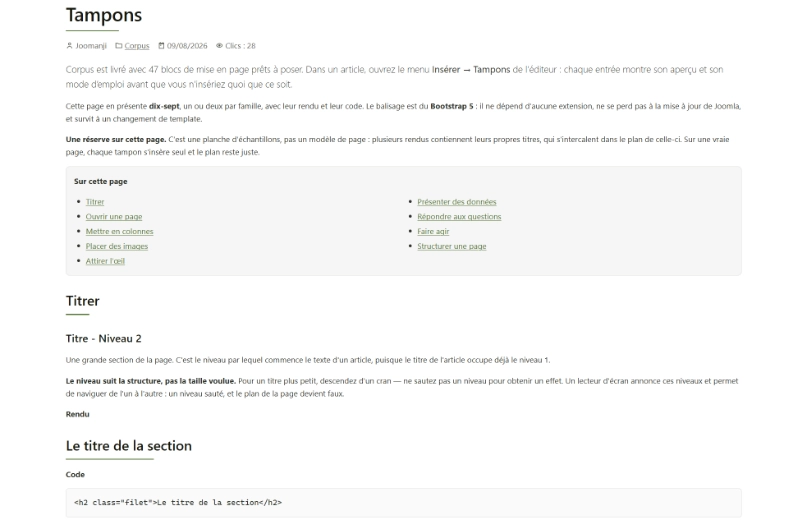
Fifty-four blocks ready to drop into your pages

This is what replaces the page builder, and it's better: nothing to install, nothing to rebuild from one site to the next.

A warning box, a row of figures, a gallery, frequently asked questions, a table, a call to action. You insert them from a list as you write, like choosing a letter template.

Each one comes with its own notice, telling you what it's for and what not to use it for. And the day you change Template, your pages stay readable: they're text, not settings locked inside a tool.

See all the stamps ( blocks )

Readable by everyone: what changes

These choices become noticeable after ten minutes of reading — or right away, if reading doesn't come easily.

No tiny text

Dates, captions and notices stay at a comfortable size. Elsewhere, it's exactly this kind of text that gets shrunk.

Usable without a mouse

You always see where you are, and Esc takes you back.

Colour never speaks alone

A warning isn't just "the red box": it carries an icon and a written word.

Enlarged text breaks nothing

Nothing overlaps, nothing disappears, nothing runs off the screen.

In pictures

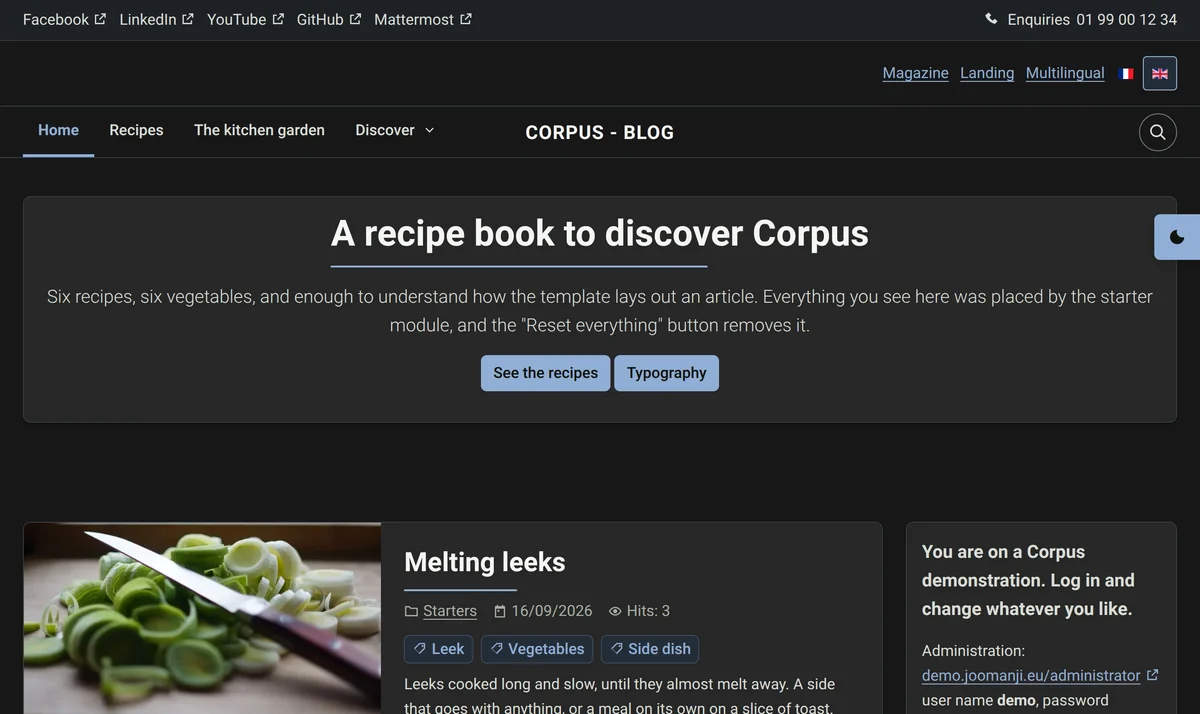
The same site, set up six different ways. These are screenshots, unedited.

Homepage in Landingpage mode
Homepage in Blog mode
Homepage in Magazine mode
Homepage in dark mode
Homepage in smartphone view
Corpus Theme backend
Corpus Layout backend
Corpus Article Template backend
Corpus Advanced Settings backend

Buy Corpus

Unlimited sites

€99per year

  • No limit on the number of sites
  • Your settings can be exported and reused on the next site
  • Updates for one year
  • Ticket support

Buy

One site

€39per year

  • Corpus for one site
  • Updates for one year
  • Ticket support

Buy

When it expires, your site keeps working: only updates and support stop.

No. Corpus changes the look, not the content. Your text, images and menus stay where they are, and you can switch back at any time.

Corpus release log

Fixes

  • The Layout tab diagram is no longer crossed out on a style never saved.
  • Contact page: the « Links » heading no longer shows when no link is filled in.
  • Search results: no more double rule or extra separators.

New

  • Contact directory: the contacts of a category show as cards, with their image and clickable numbers; subcategories come before the contacts.
  • Announcement panel in alert colours: classes popup--alerte, popup--erreur, popup--info, popup--succes and popup--grand. The most serious box it contains sets its colour.
  • Style Details tab: the « Joomanji updates » box lists the pending updates of your Joomanji products, with an « Update all » button. Joomla does the update.

Changes

  • Maintenance page: messages (wrong username, etc.) show in a dialog.
  • Tables written in the editor take the design of Corpus tables.
  • Frontend editing: the module pencil only appears on hover or with the keyboard, and no longer covers the text.
  • A band whose modules are all desktop-only, or mobile-only, is hidden with them.

Good to know

  • Requires Joomla 6.2 or newer. Nothing to set again.