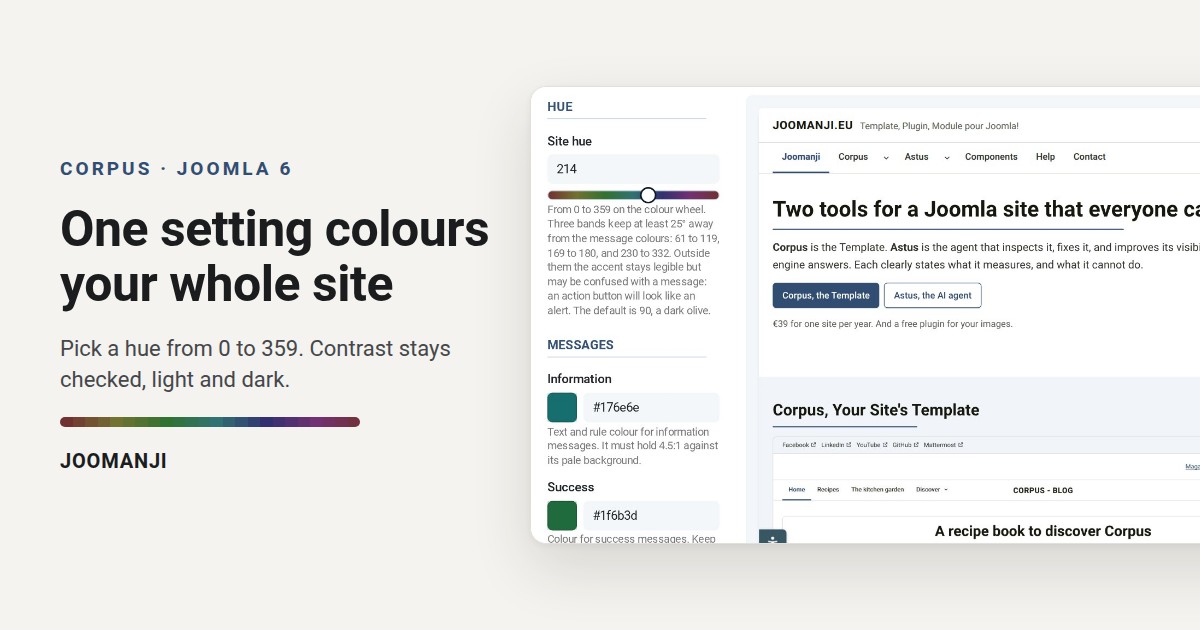
Most Joomla templates give you a colour picker for every element: buttons, links, headings, borders. However, twenty settings later, half of the buttons fail a contrast check. Corpus therefore takes the opposite route: one setting, the site hue, and every accent colour is derived from it.
Where to set the site hue
In the Joomla administrator, first open System, Site Template Styles, then your Corpus style. Next, go to the Theme Customizer tab, group Colours, field Site hue. A number field and a slider hold the same value. In addition, the preview next to them follows as you move the slider.
What the hue changes
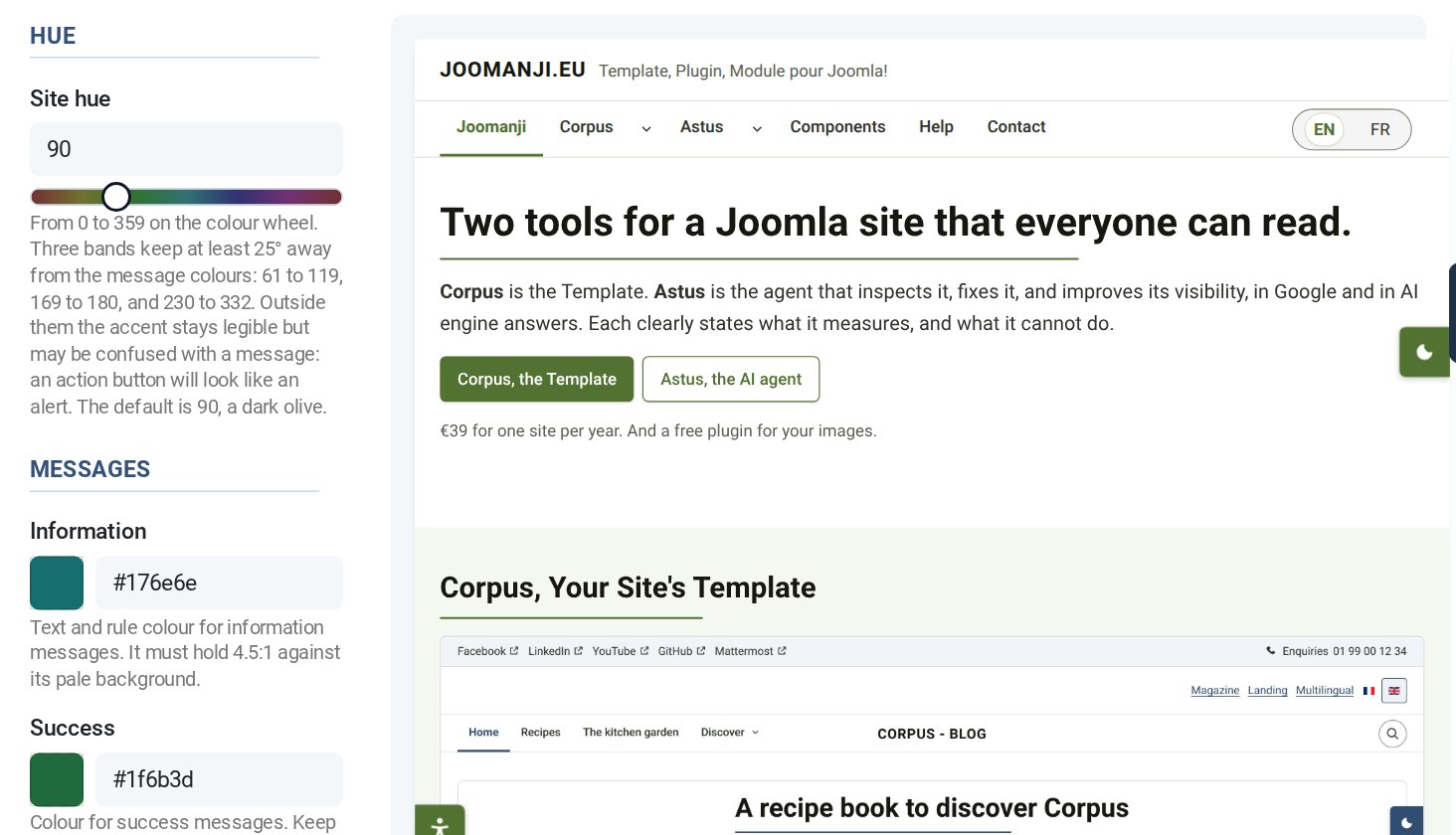
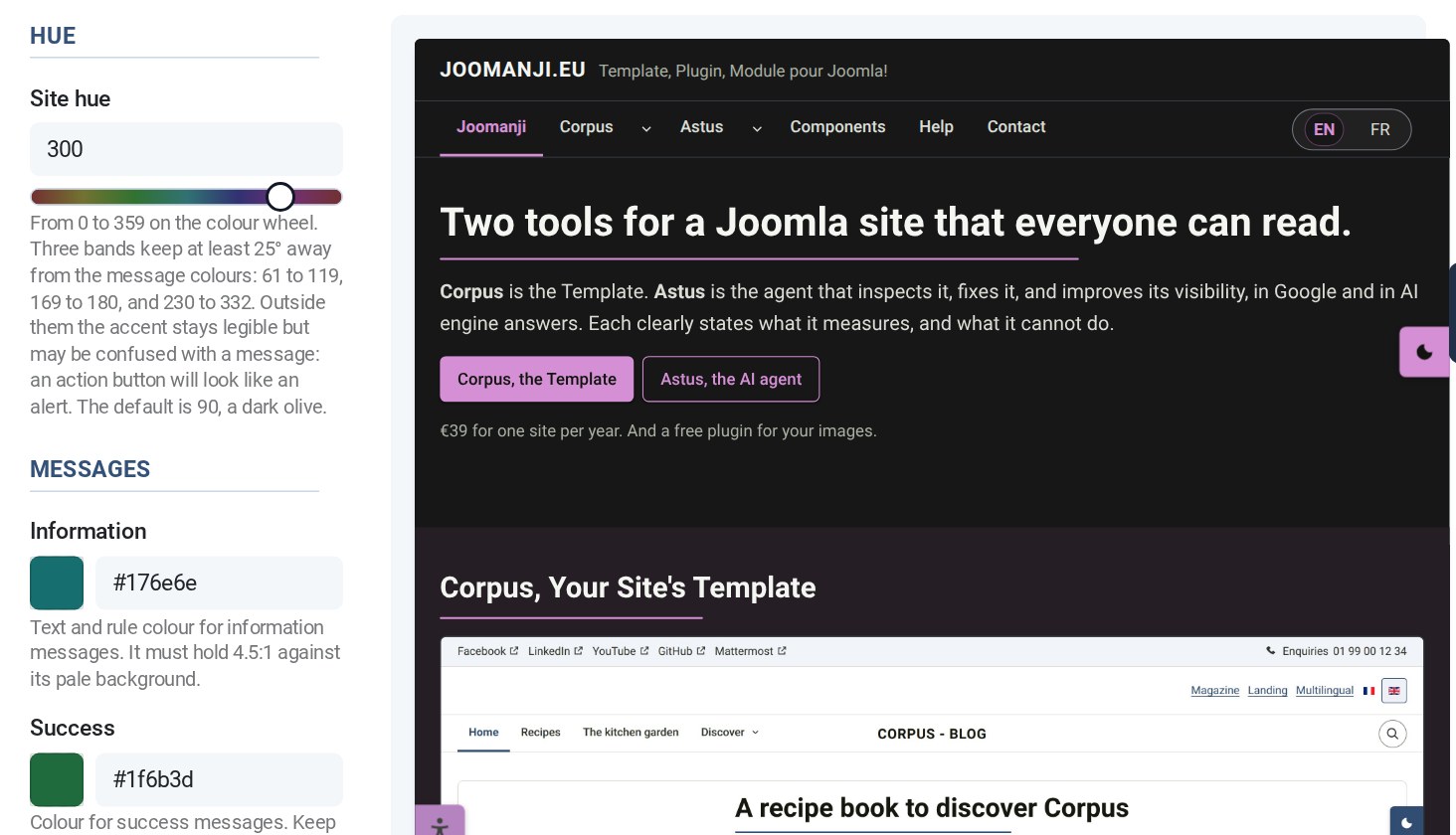
The hue is a number from 0 to 359, in other words a position on the colour wheel. Corpus builds the whole accent from it: buttons and their hover state, links, the rule under titles, tags and tinted backgrounds. However, saturation and lightness stay fixed in the template. As a result, you choose a colour family, not a shade. For example, 214 gives a deep blue, 90 a dark olive and 300 a plum: each one ready to use, with nothing else to adjust.
Why the contrast cannot break
Because saturation and lightness never move, every hue lands on colours that have already been measured. Before each release, therefore, a script checks every text and control pair against the WCAG 2.1 thresholds: 4.5:1 for text, 3:1 for controls. It also does so for all 360 hues, in the light theme and in the dark theme. Moreover, dark mode uses a lighter version of the same hue. Your identity thus survives the switch.
Good to know
- Three bands stay at least 25° away from the message colours: 61 to 119, 169 to 180, then 230 to 332. Outside them the accent stays legible. However, an action button can then look like an alert.
- Message colours (information, success, warning, error) never follow the site hue. In fact, they carry meaning, not identity.
- Your logo can also follow the hue: set Logo colour to Site hue. It then becomes single-colour.
Finally, the quickest way to see it is to try it. The Corpus demo lets you log into the administrator and move the slider yourself: demo.joomanji.eu.