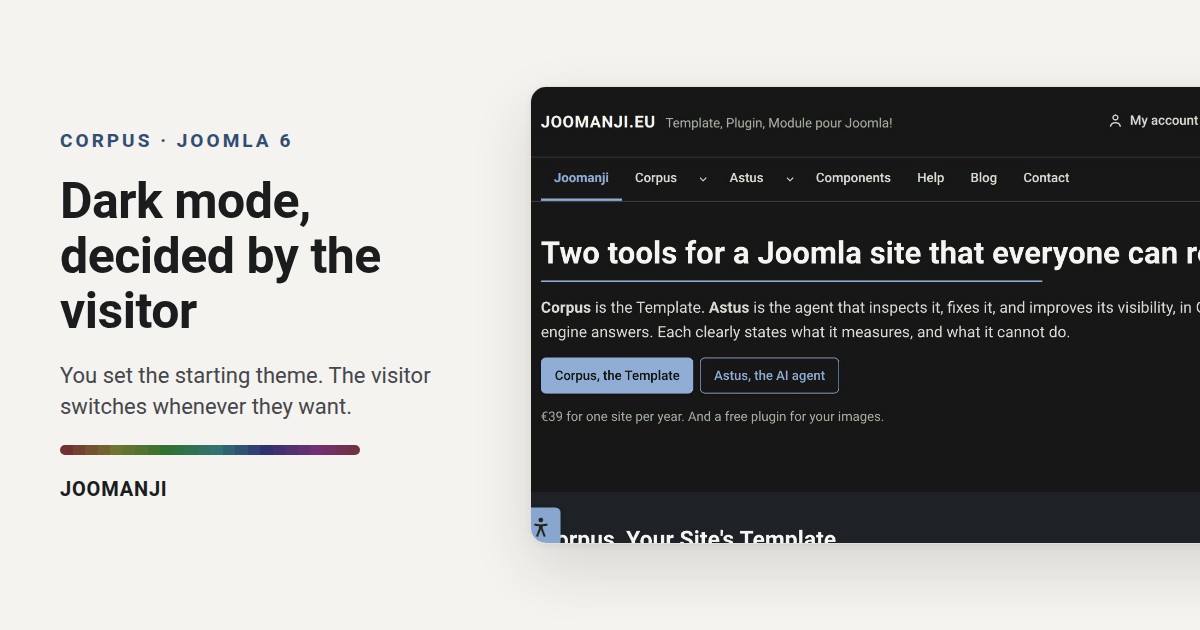
Most Joomla sites bolt a dark theme on with a plugin and a toggle. However, the result is often a grey page, captions nobody can read, and a choice the visitor has to make again on every page. Corpus builds dark mode into the template itself: one setting for the first visit, a panel reachable from every page, and contrast measured in both themes before each release.
Where to set dark mode
In the Joomla administrator, first open System, Site Template Styles, then your Corpus style. Next, go to the Theme Customizer tab, group Appearance, sub group Dark mode. The field is called Starting theme and it offers three values: Follow the system, Light theme and Dark theme. Therefore it settles one question only, and it is the right one: what a first time visitor sees before touching anything.
The visitor has the last word
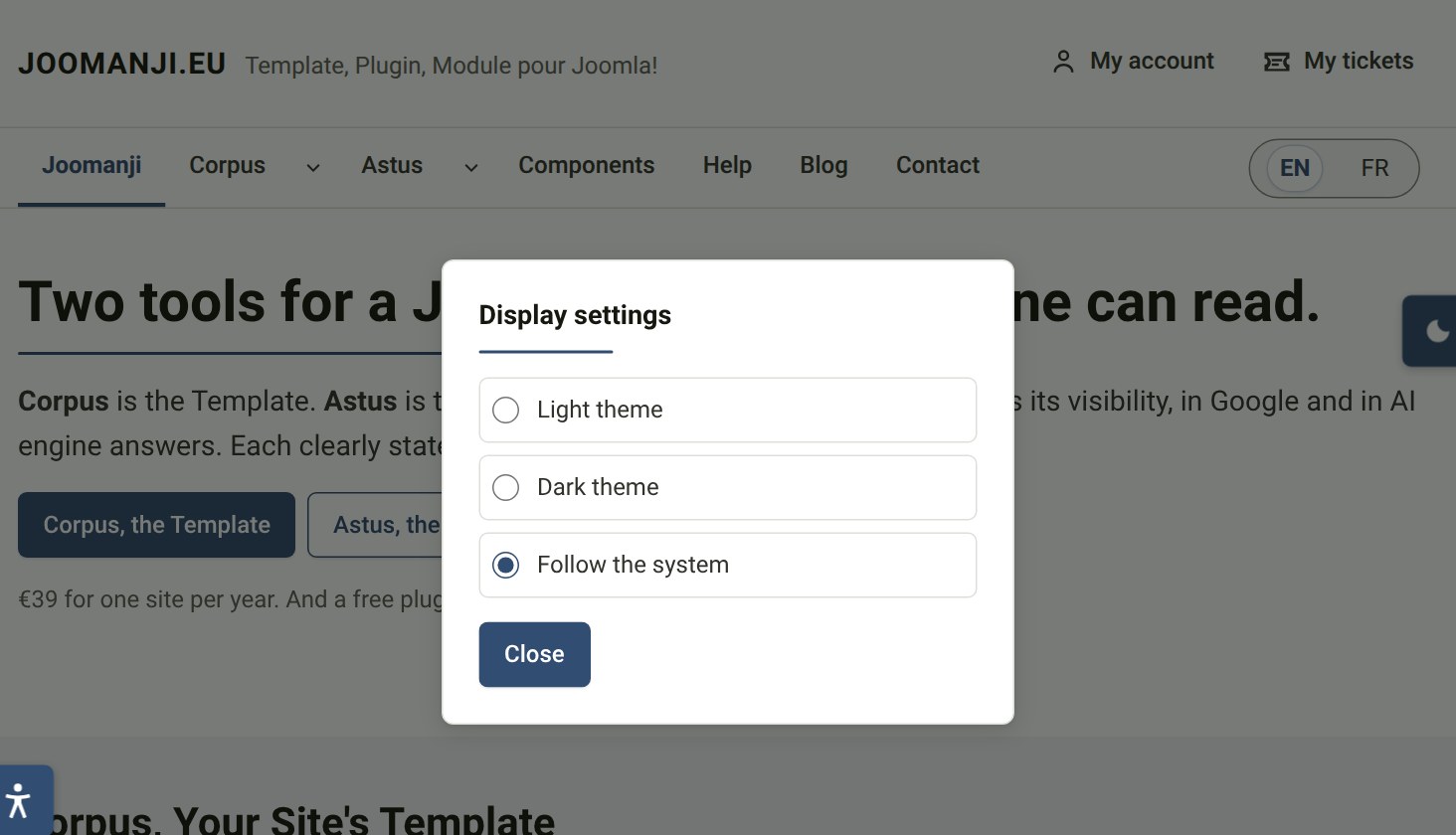
Your choice never locks anyone in. A floating button sits on every page and opens the Display settings panel, where three radio buttons offer the light theme, the dark theme, or the system setting. That button cannot be hidden, and that is on purpose. In addition, a second button can be shown in the footer, with a label of your own. The visitor's answer is then stored in the browser under corpus-theme, and it wins over your setting on every later visit.
Dark mode without a flash
The theme is written on the page by the server, in the data-theme attribute, before the first render. As a result the page never starts white and turns dark half a second later. It also means a visitor with JavaScript switched off still gets the theme you chose. With Follow the system, however, the server cannot know what the visitor's machine prefers, so the page starts light and a short script in the head corrects it before anything is painted.
Contrast, measured in both themes
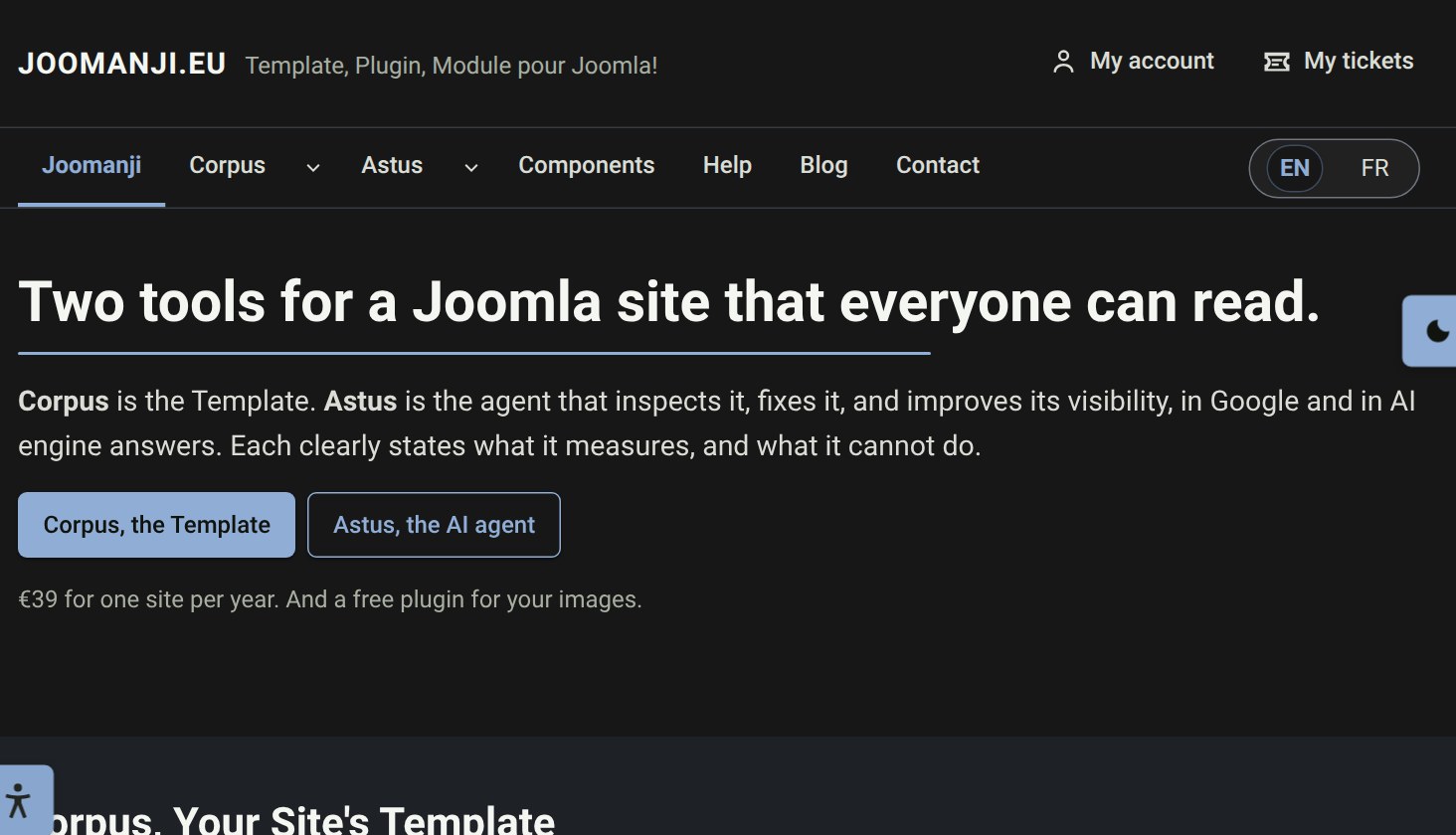
A dark theme is easy to draw and hard to keep readable. Corpus fixes saturation and lightness, so every accent colour lands on a value that has been measured. Before each release, therefore, a script checks every text and control pair against the WCAG 2.1 thresholds, 4.5:1 for text and 3:1 for controls, on all 360 hues, in the light theme and in the dark one. Moreover, the dark theme uses a lighter version of your hue, so your identity survives the switch.
Good to know
- One area can ignore the page theme. In Layout Configuration, the Area theme field turns a navigation bar or a footer permanently dark, above light content.
- Message colours, information, success, warning and error, keep their meaning in both themes. In other words, they are never repainted to match the background.
- Images are not dimmed. A photograph looks the same in dark mode, because a filter would change the picture rather than the page.
Finally, the quickest way to judge a dark theme is to read it. Open the demo, press the floating button and switch: demo.joomanji.eu.