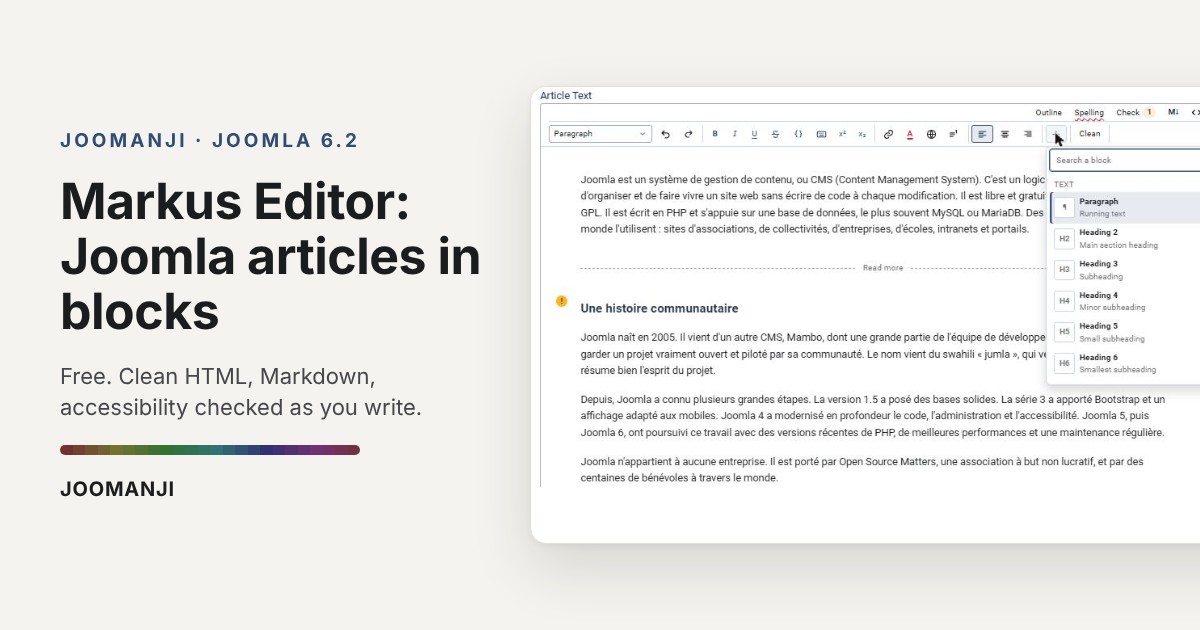
A new free component joins the range: Markus Editor, a block editor for Joomla 6 that replaces TinyMCE. In the same release, Opus, Formulus and Iris learn to sit right inside an article, Corpus takes your brand colour, and Astus no longer touches an address without your consent. Here is what changes, and what it asks of you.
Markus Editor: writing an article block by block
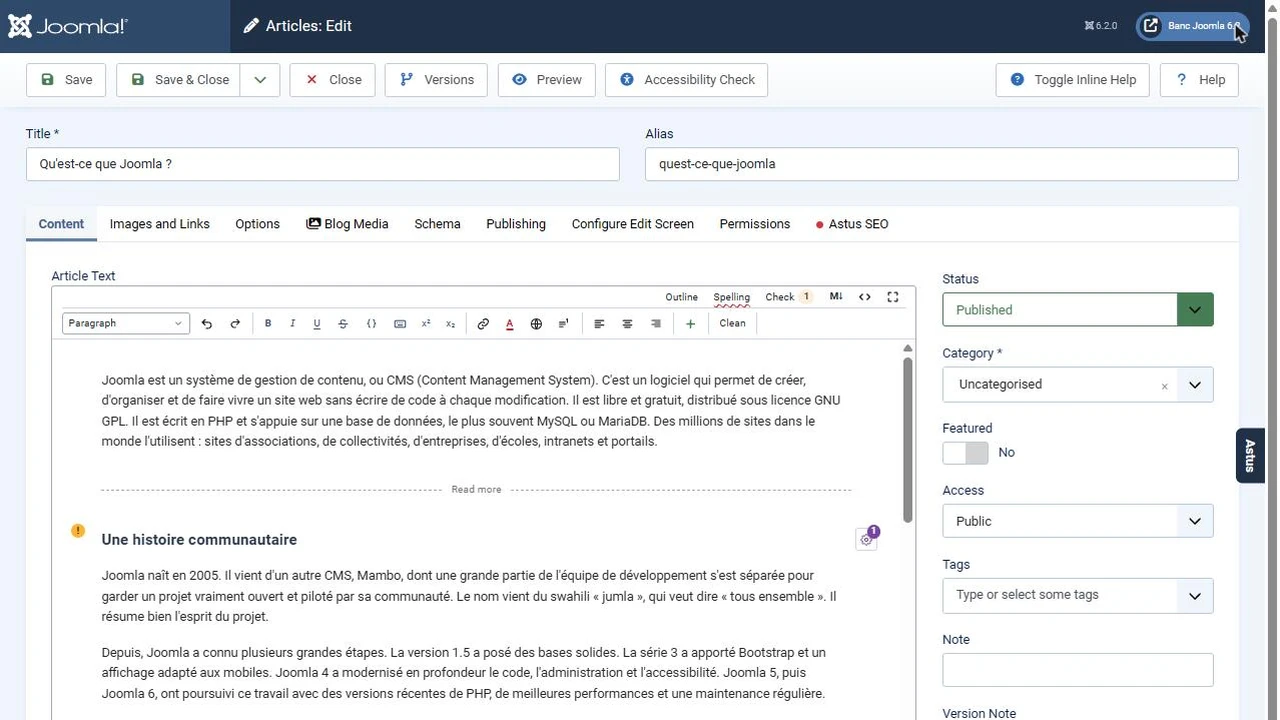
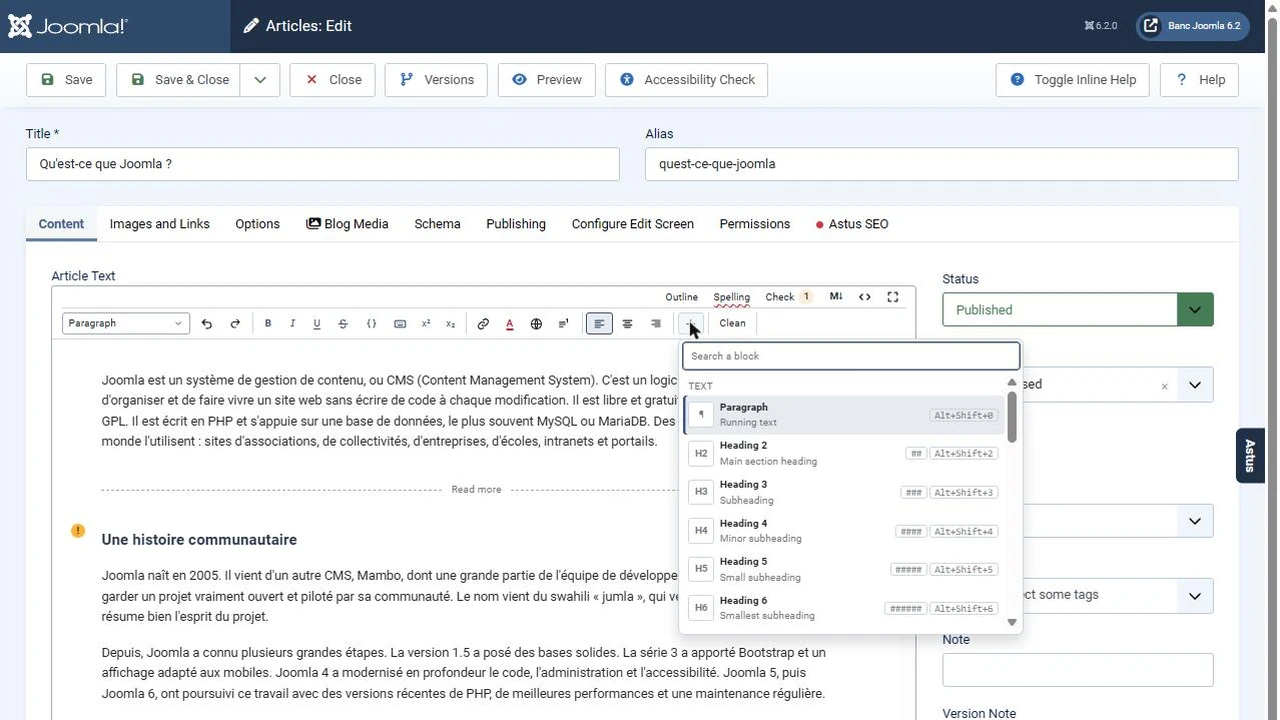
Markus Editor turns your article into a series of blocks: paragraphs, headings, lists, quotes, callouts, code, images, buttons, tables, columns, separator, Read more, modules and free HTML. Then, add a block with "/" or the "+" button, move it by dragging it or with Alt+Shift+arrows, and every block keeps its settings close at hand.
Above all, what it saves is plain, semantic HTML. TinyMCE reads it as is, and you can switch back to TinyMCE at any time: whatever Markus cannot edit is kept untouched, nothing is lost. In addition, pasting from Word, Google Docs or LibreOffice is cleaned on the way in.
Markdown when you want it
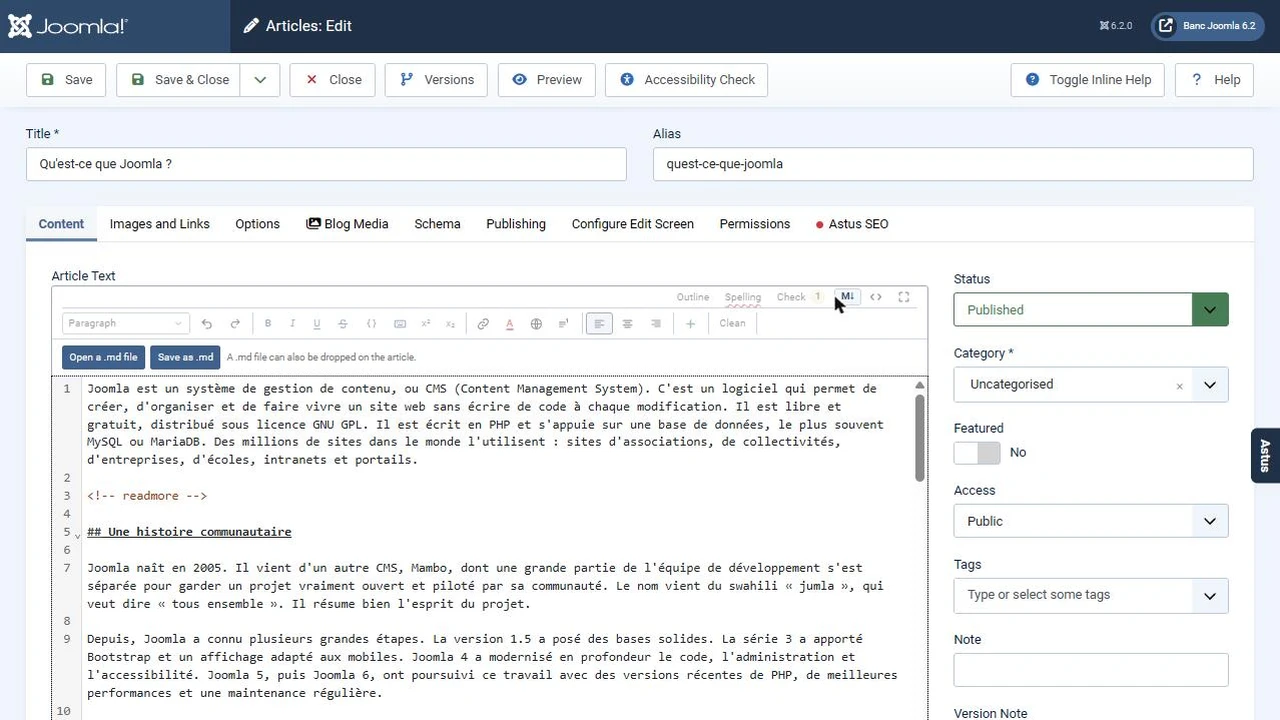
Moreover, if you write in Markdown, Markus Editor follows you: "##" followed by a space gives a heading, pasted Markdown becomes blocks, and the whole article can be shown, opened and saved as a .md file. On the other hand, if you have never heard of Markdown, nothing changes for you: the buttons are there.
Accessibility checked while you write
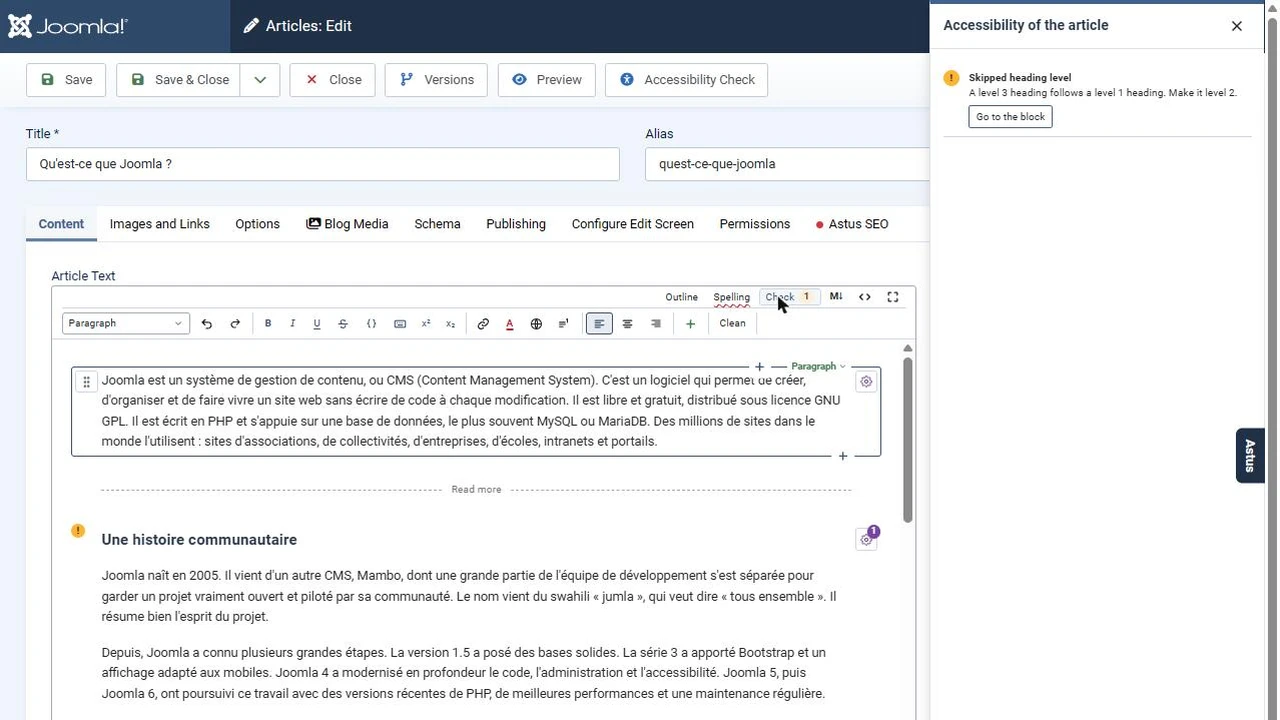
Markus Editor reads your article as you write it: images without alternative text, skipped heading levels, vague links, contrast, tables. However, alerts only inform: they never block saving. Finally, spelling and grammar go through LanguageTool, the public service or your own server. Markus Editor is free, and its user manual is online.
Opus, Formulus and Iris inside the article
Until now, an Opus block, a Formulus form or an Iris gallery lived in a module position. From now on, however, an editor button opens a panel: you pick a layout or an existing item, and it lands exactly where you want it in the article, as a card. As a result, the card can be moved, edited in a large window, previewed at the width of the article, or removed. And it works with TinyMCE as well as with Markus Editor.
For this reason, Opus becomes a package: the module and two plugins, installed and enabled on their own. Of course, your Opus modules and their settings stay as they are. The details are in the Opus, Formulus and Iris manuals.
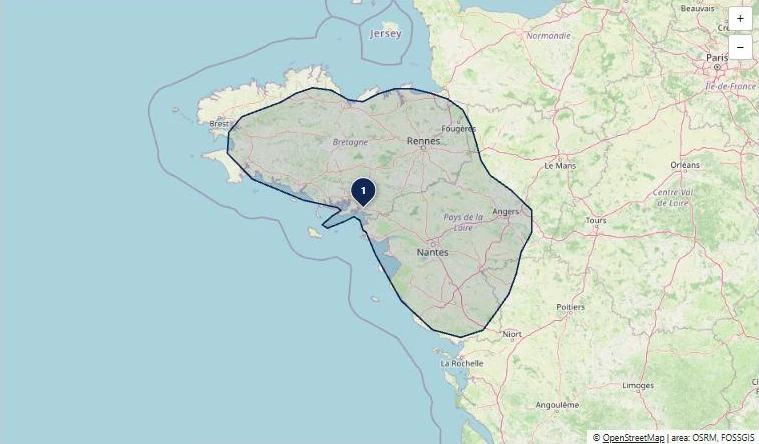
Opus also moves forward on its own. Its map now draws a service area around your address, computed in driving time or in kilometres, by road or as the crow flies: visitors see at a glance whether you come to them. In addition, the Cards element chooses its number of columns (automatic, 2, 3 or 4), and the calendar gains yearly events.
Corpus and Astus
Corpus now accepts your brand colour: it keeps its hue and adjusts its lightness itself so that every text stays readable, in light and dark mode. In addition, there is a secondary colour for rules, submenu alignment, weight 500 for headings and a second self-hosted font.
Astus no longer changes the address of an article, a category or a menu item without an explicit request. However, when you ask for it, it sets a 301 redirect from the old address, so nothing is lost for search engines. Furthermore, it also writes the alternative text of images stored in Iris.
Joomla 6.2 minimum
These new versions are made for Joomla 6.2, released on 13 October (see the official announcement). In other words, if your site is still on Joomla 6.1, it keeps its current version and is not offered anything that could break it: update Joomla first, and our updates will follow.
Good to know
Today's versions are Markus Editor 1.0.089, Opus 1.5.654, Formulus 1.0.508, Iris 3.0.066, Corpus 2.1.684 and Astus 2.1.186. They arrive through the normal Joomla update, except Markus Editor, which you install once.
Finally, a question or a problem after updating? The site's help button is there for that.